Solution gallery

Solution gallery for portal, mobile, and field operations.

AMS Capture combines a configurable web portal, mobile field application, intelligent scheduling engine, structured asset hierarchy, and integration layer for utility network data capture, audit, inspection, and field force management.

  • Preventive maintenance routines, engineer pools, and automatic task generation
  • Online and offline mobile capture for field teams working in restricted coverage areas
  • GIS-style network visualization, asset hierarchy navigation, and evidence review
  • Dashboards, reports, energy views, carbon insight, and audit-ready records
  • REST API integration with GIS, EAM, ERP, BI, planning, and enterprise databases
Mobile Capture assets, photos, GPS, forms, and inspection evidence.
Portal Review dashboards, issues, work progress, reports, and quality.
Schedule Create rules, routines, engineer pools, and generated tasks.
Integrate Connect records to enterprise systems through REST APIs.

AMS web portal

Portal features for operational control.

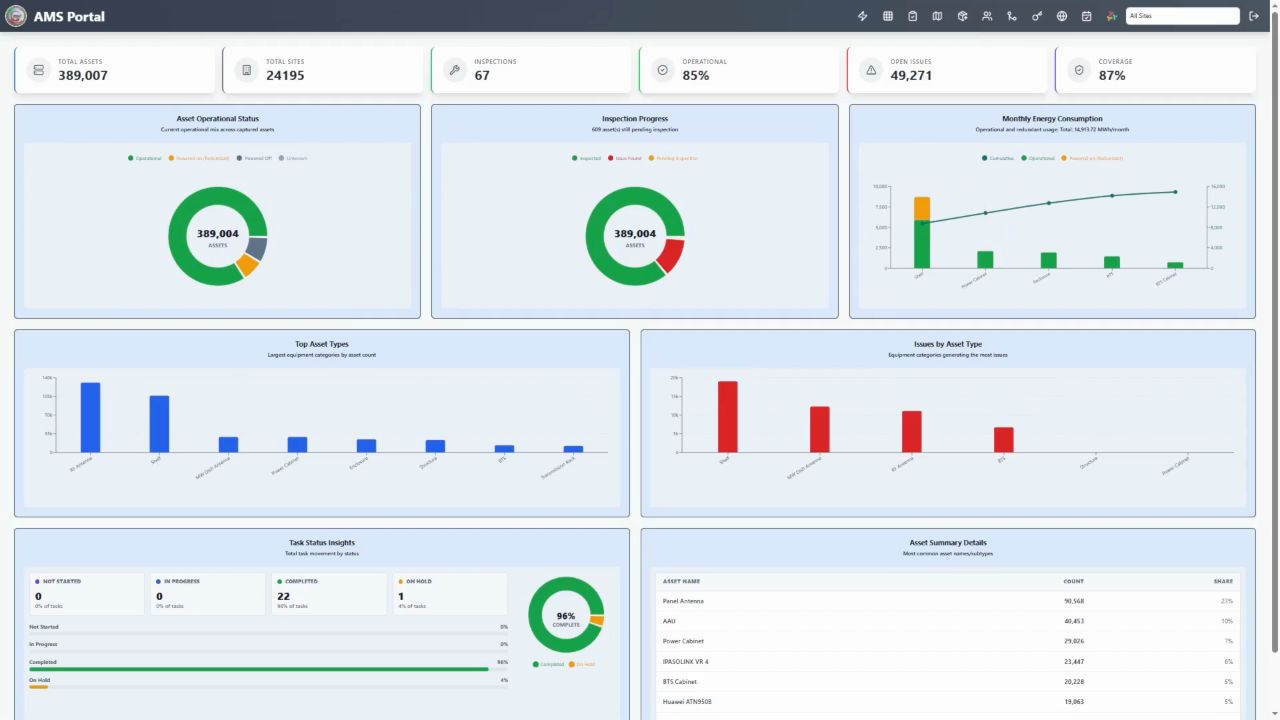
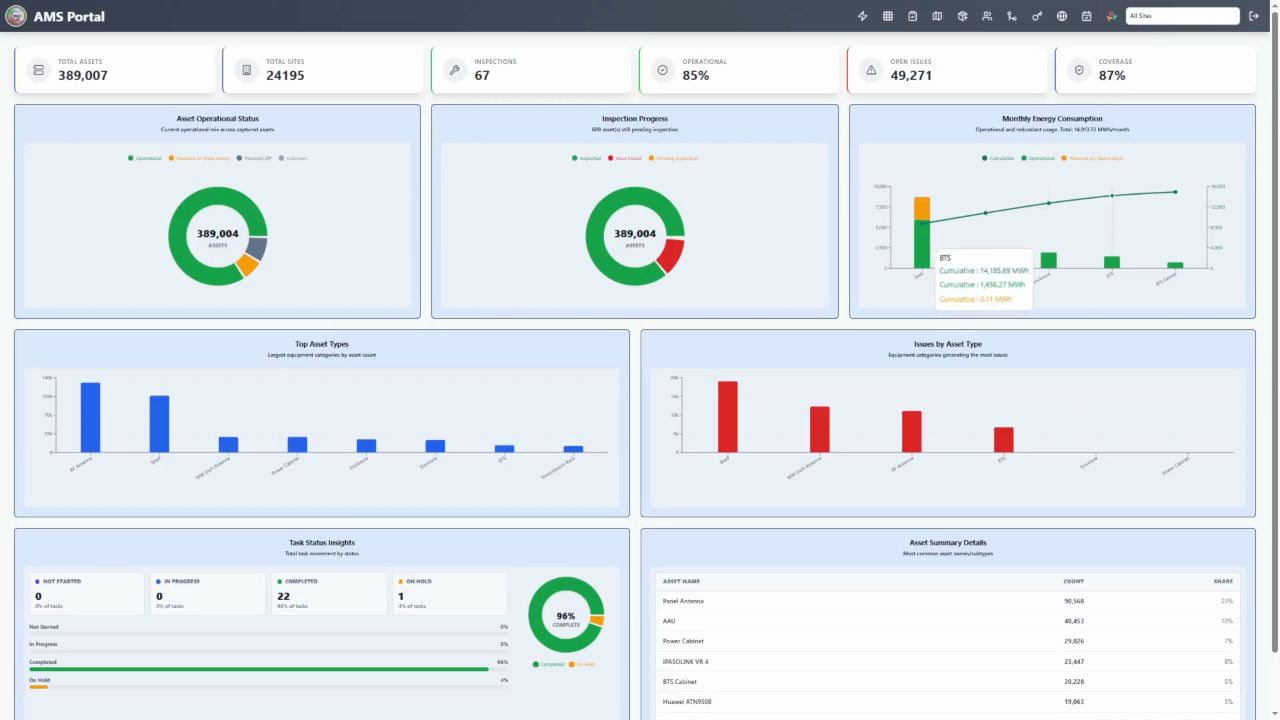
Managers can track captured assets, inspection progress, exceptions, redundant equipment, energy consumption, task status, and reporting outputs from a controlled web interface.
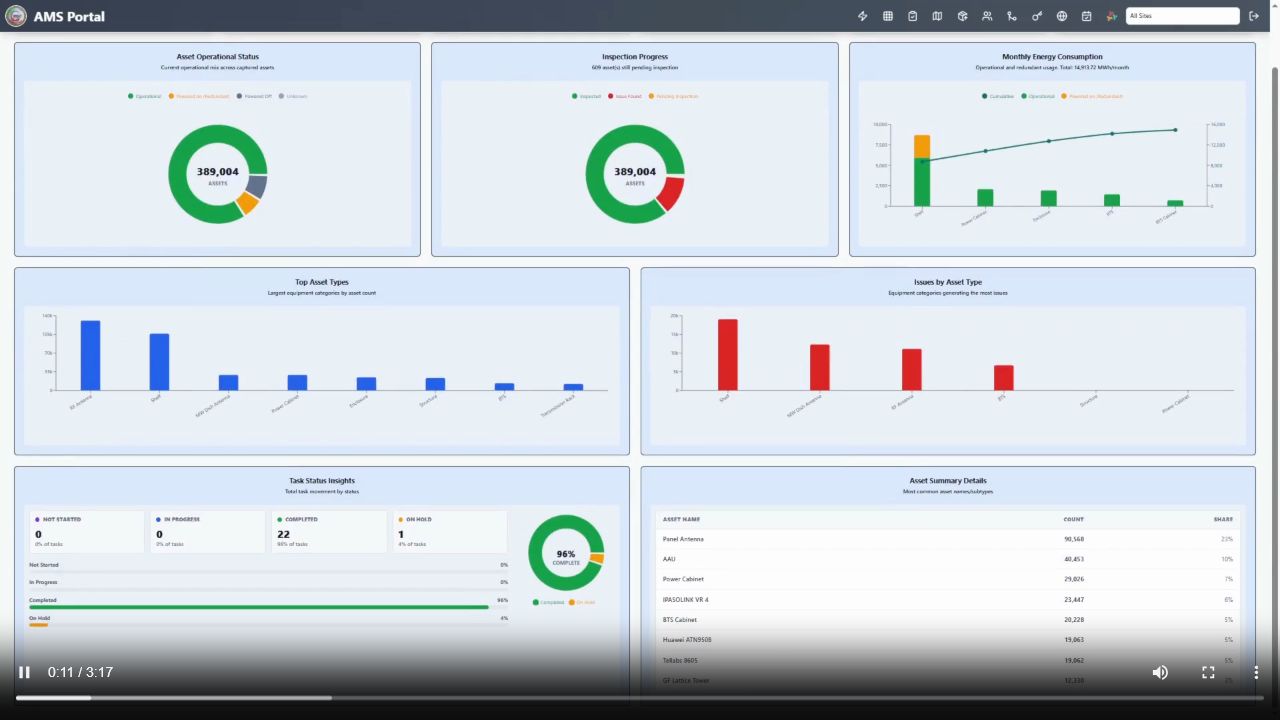
AMS portal dashboard showing operational status, inspection progress, asset type charts and issue analytics
Operational command dashboard Asset totals, inspections, operational status, issue trends, task status, and management KPIs in one view.
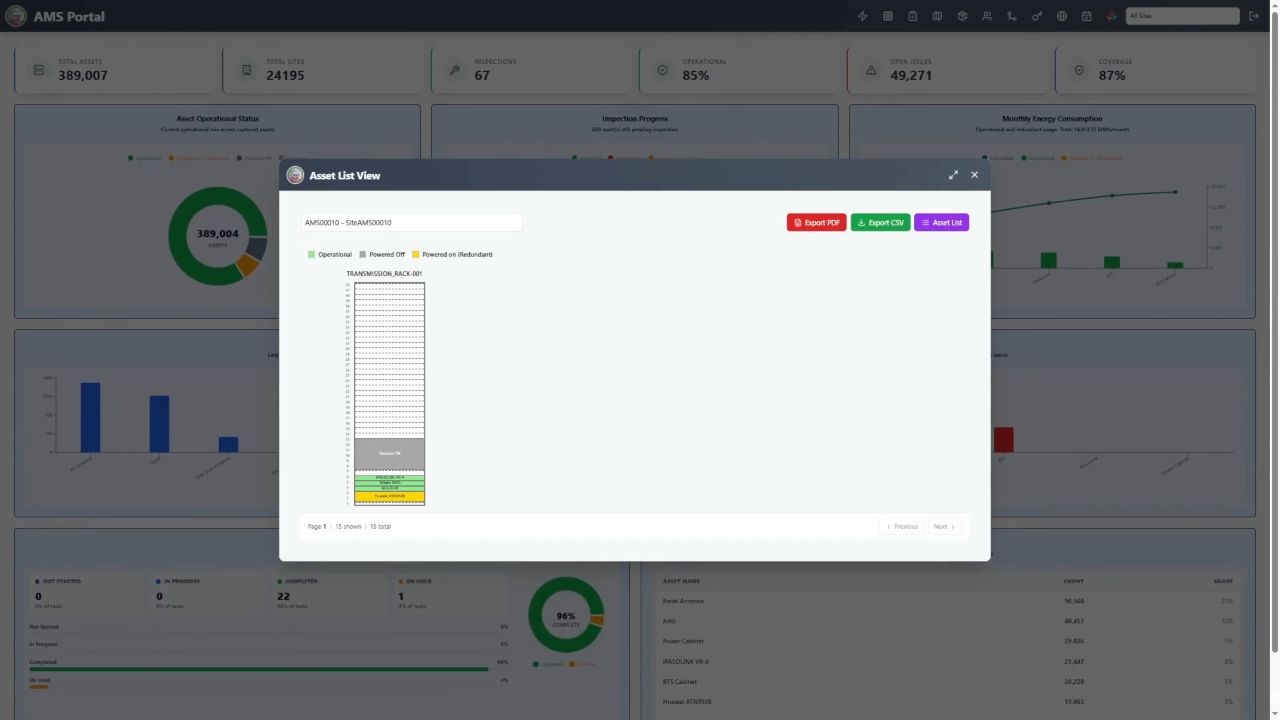
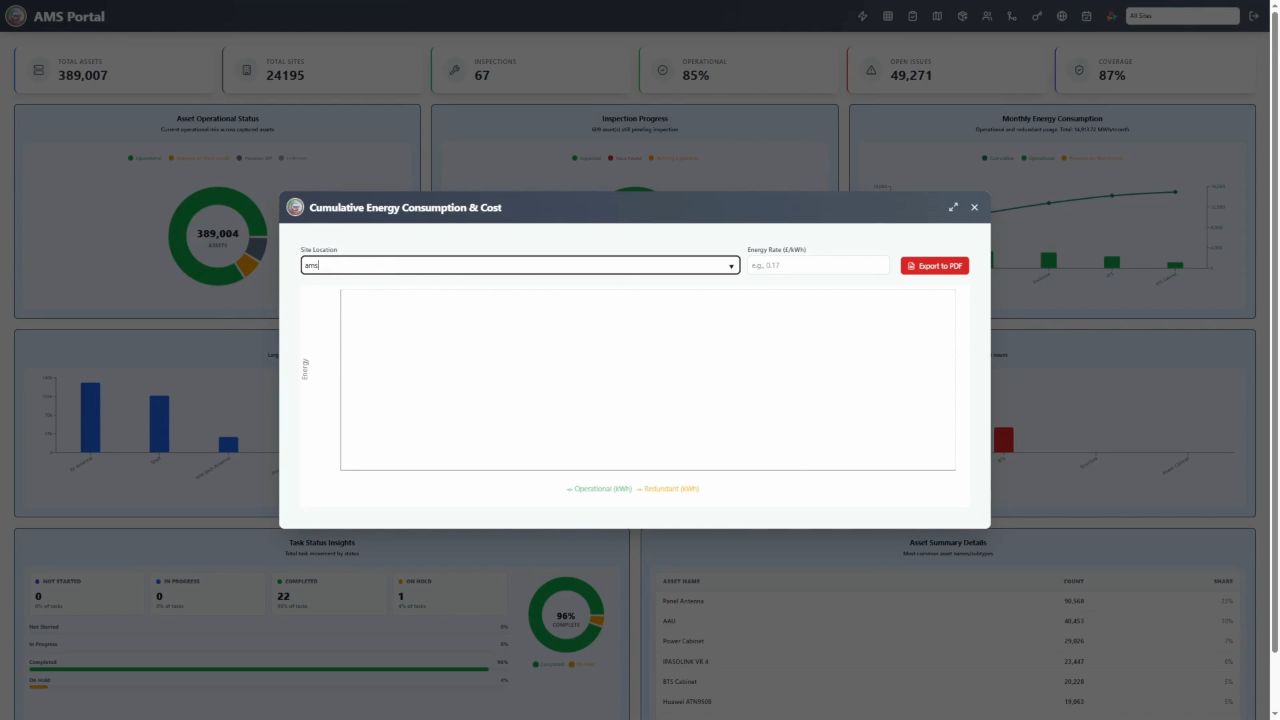
AMS portal export dialog for report and asset data output
Report and export controls Generate structured outputs for review, audit packs, operational reports, and downstream planning teams.
AMS portal dashboard with charts for asset status, inspection progress, energy and issues
Dashboard analytics Track asset categories, inspection progress, redundant equipment, and exception trends across programmes.
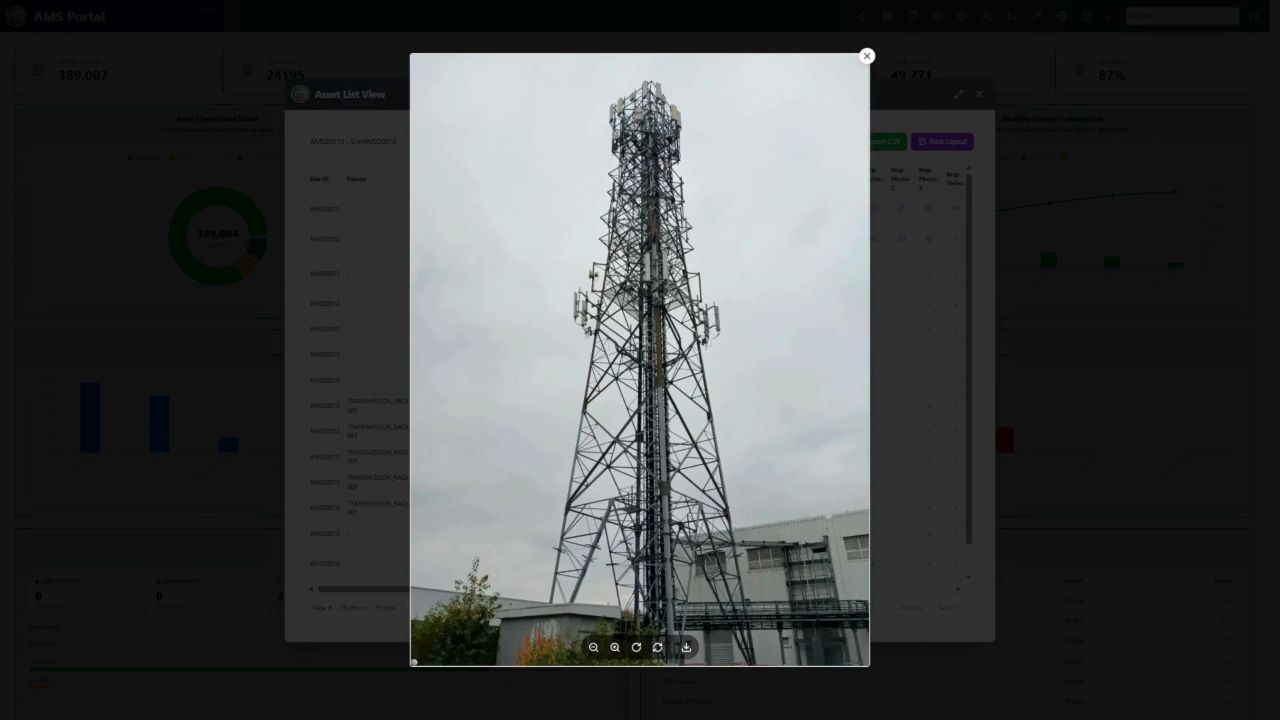
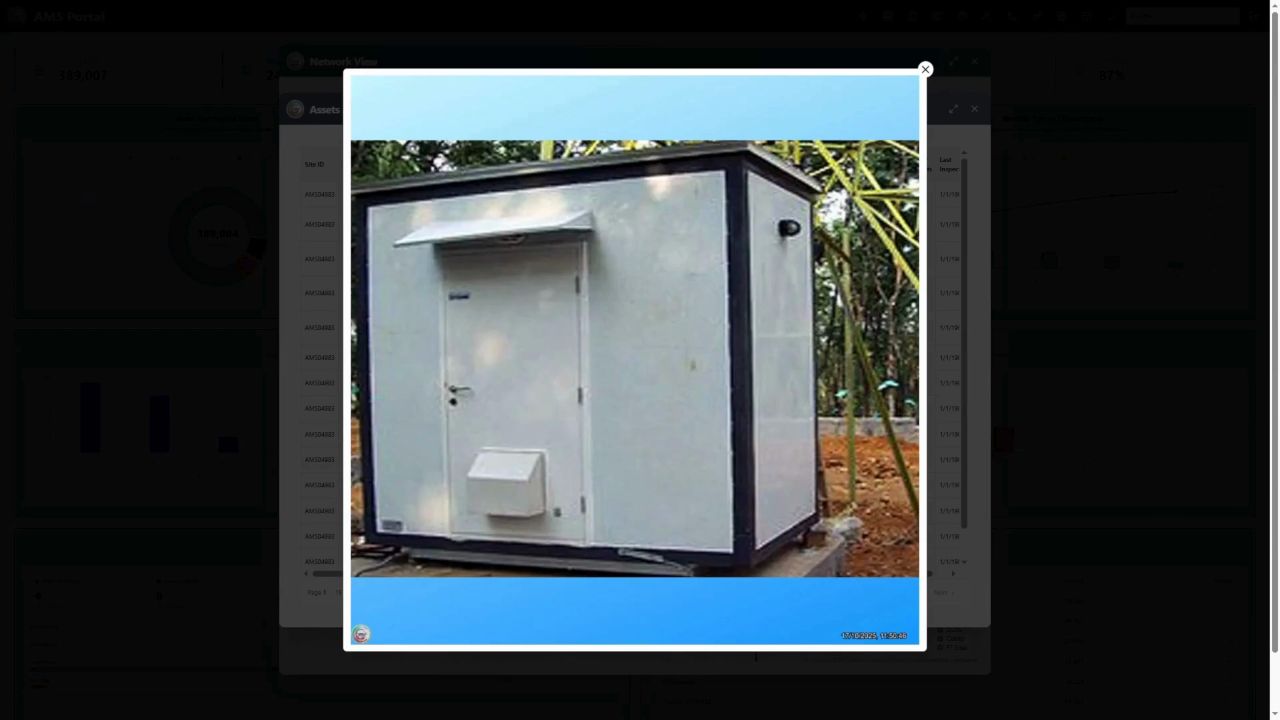
AMS portal evidence window showing asset media and inspection detail
Evidence review Open captured media, review site evidence, and validate asset records before reporting or export.
AMS portal energy consumption and cost chart for operational and redundant assets
Energy and cost insight Compare operational and redundant energy use to support rationalisation, cost reduction, and net-zero planning.
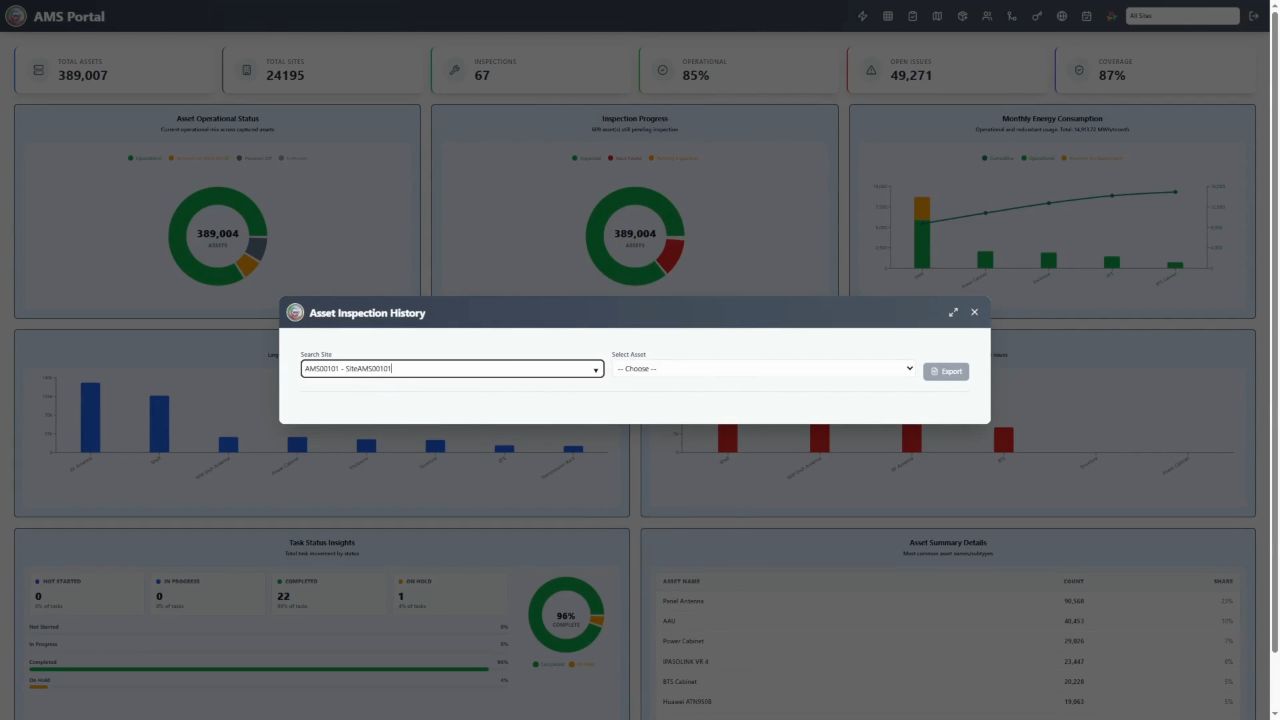
AMS portal issue reporting and export window
Issue reporting Review exceptions, open issues, inspection concerns, and generate focused outputs for action owners.
AMS portal dashboard showing asset status charts and task status insights
Programme performance Monitor task completion, work progress, asset health, and status movements across field operations.
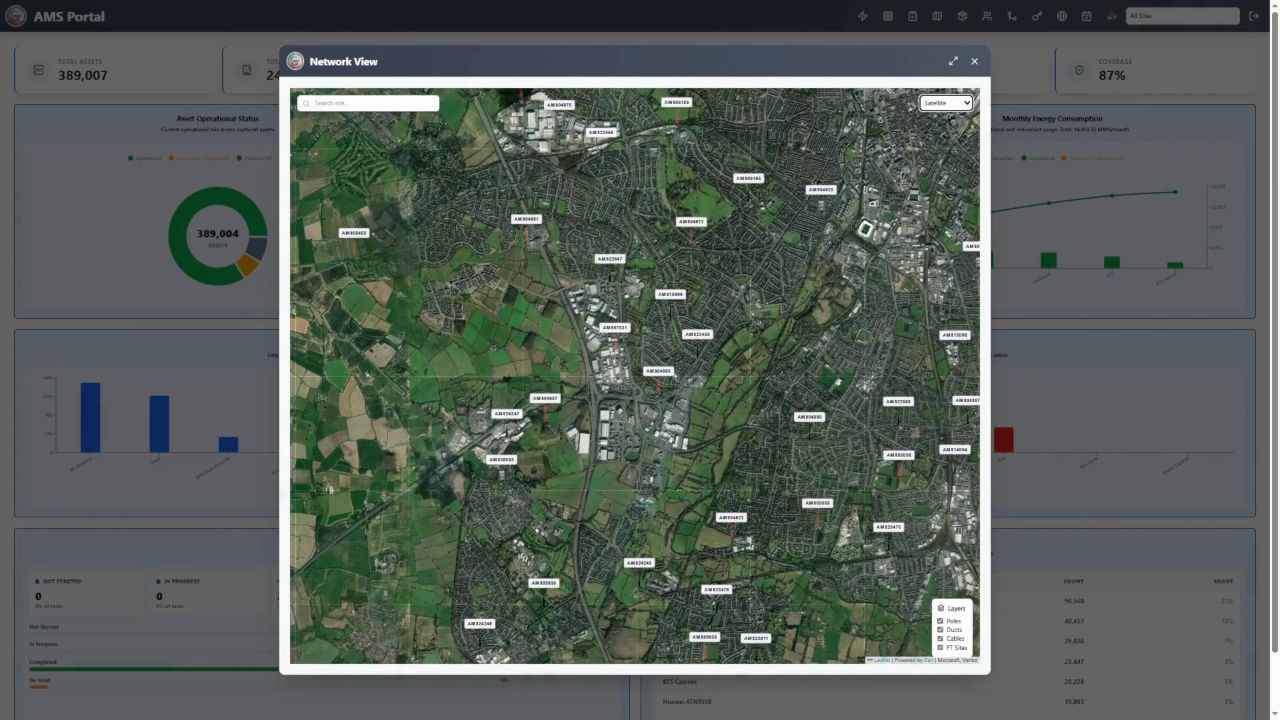
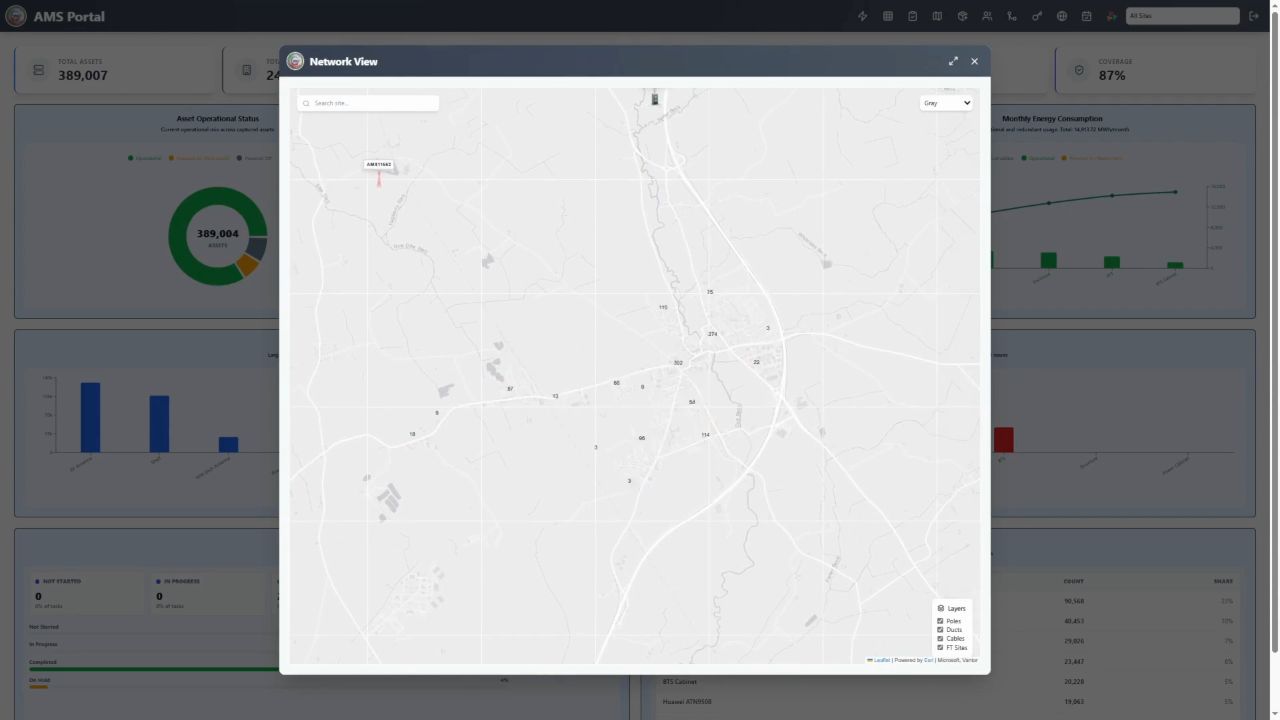
AMS portal map window showing site and asset locations
Spatial asset view Use map-based context to understand site locations, field coverage, network areas, and work clustering.
AMS portal captured cabinet evidence image
Captured asset media Review asset photos, equipment condition, site context, and supporting evidence from the portal.
AMS portal map view for field asset locations
Map-led review Inspect captured locations, validate spatial context, and support planning with visible network geography.

AMS mobile app

Field app features for inspectors and engineers.

The mobile application gives field users a practical working surface for map navigation, site details, asset capture, inspection evidence, operational status, and offline-to-online sync.
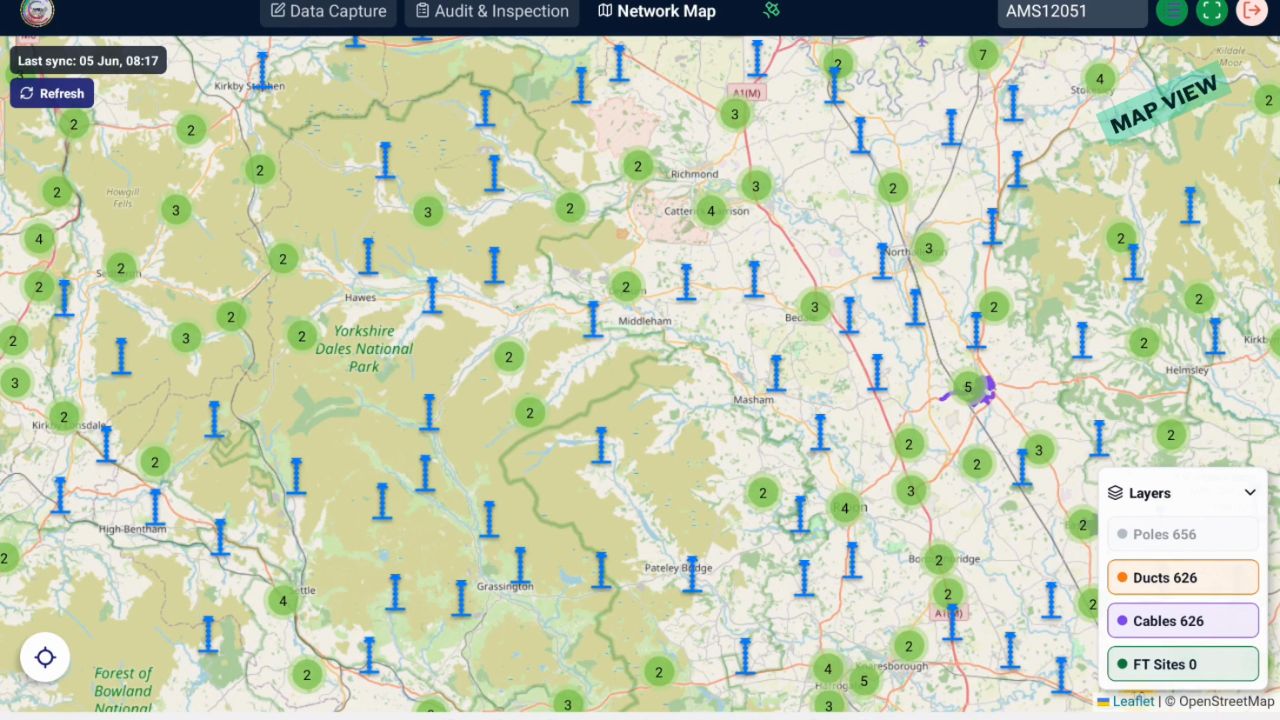
AMS mobile app network map showing field assets and route layers
Map-based field navigation View sites, assets, routes, and map layers so field teams can work with spatial context.
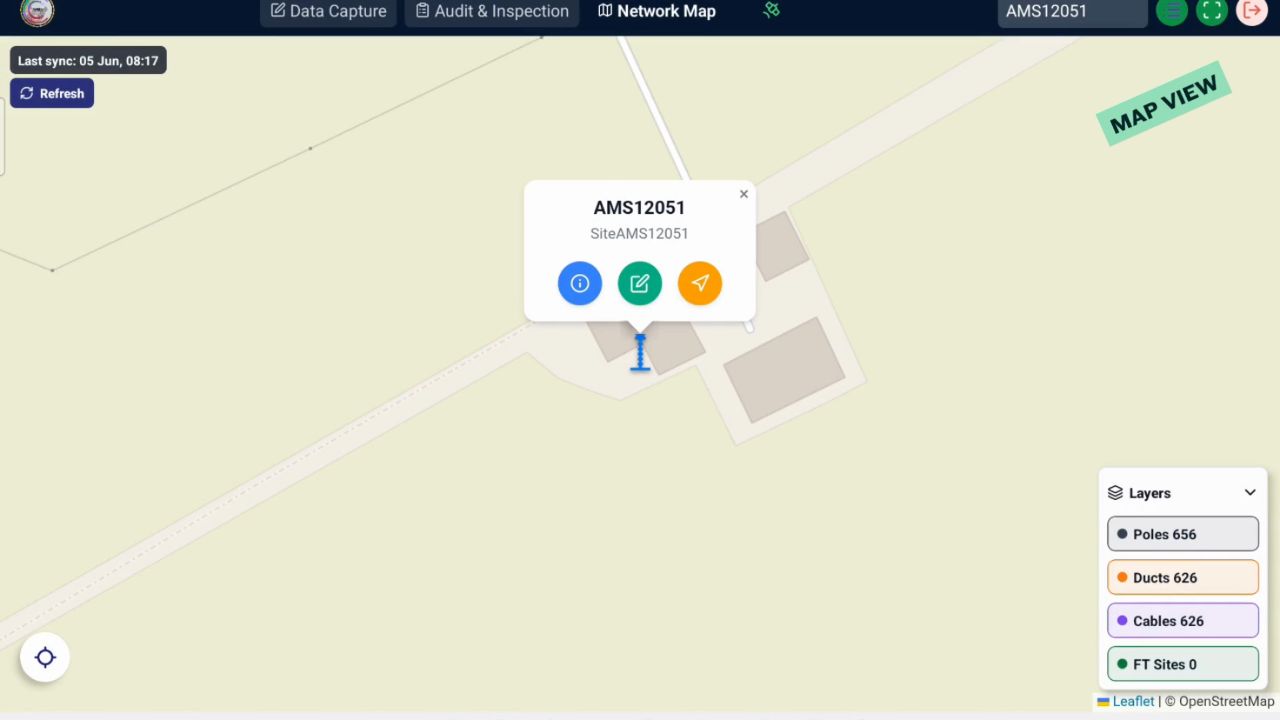
AMS mobile app site detail card with field action controls
Site actions from the map Open site actions, review location context, and move directly into capture or inspection workflows.
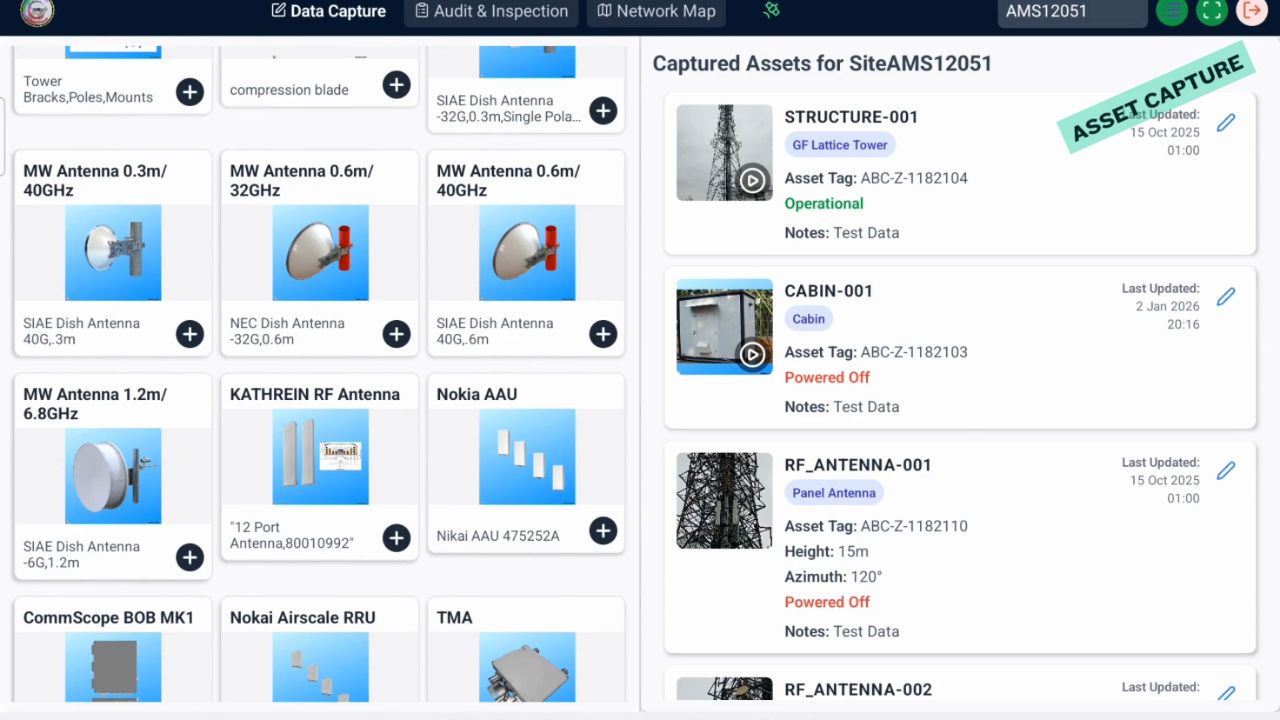
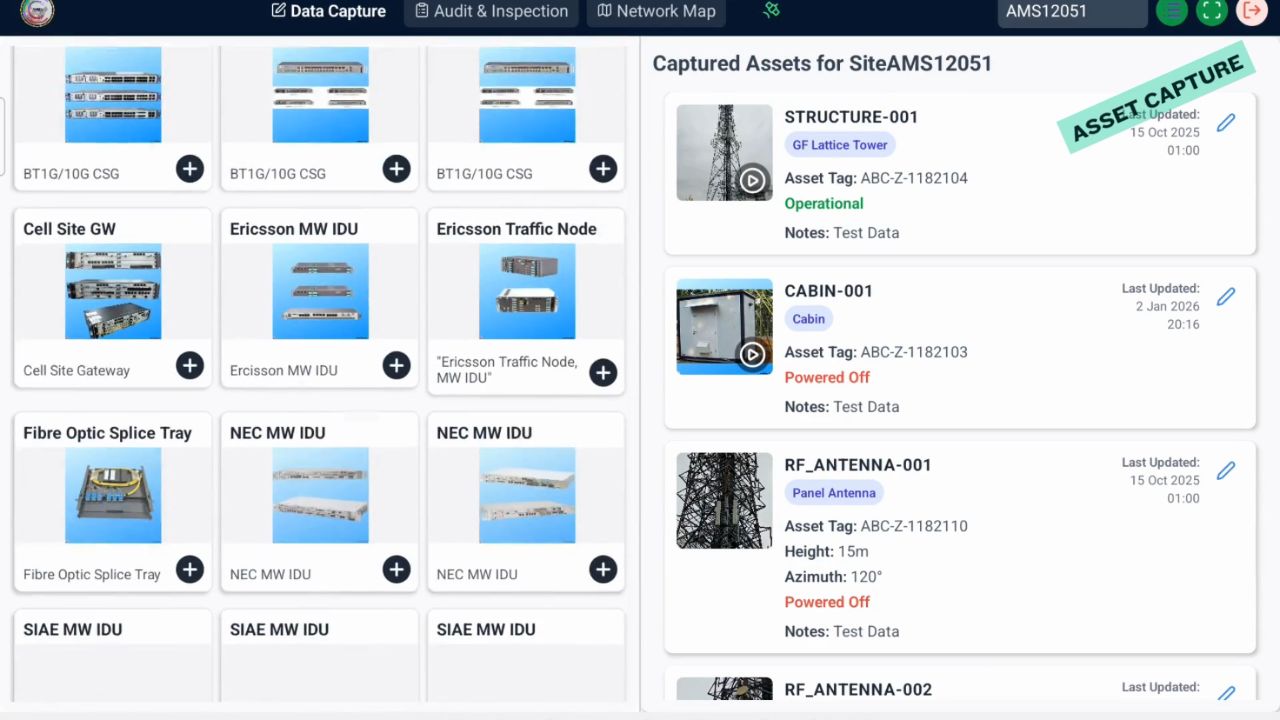
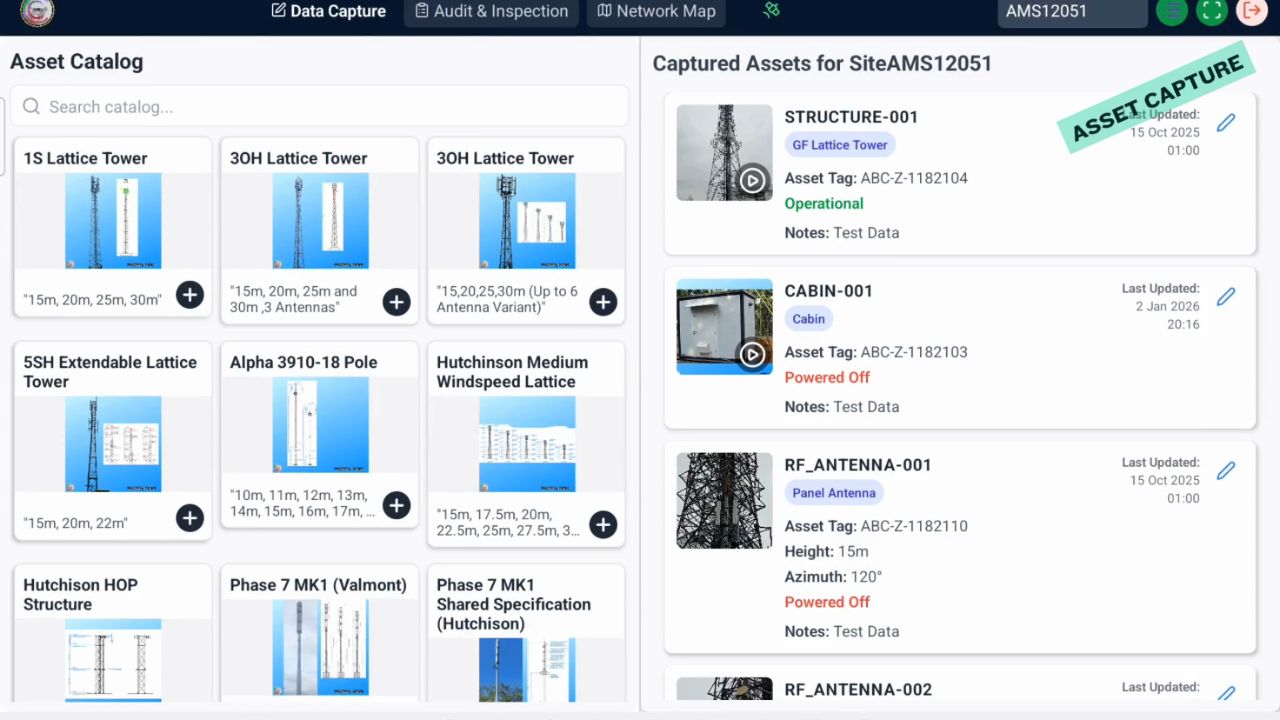
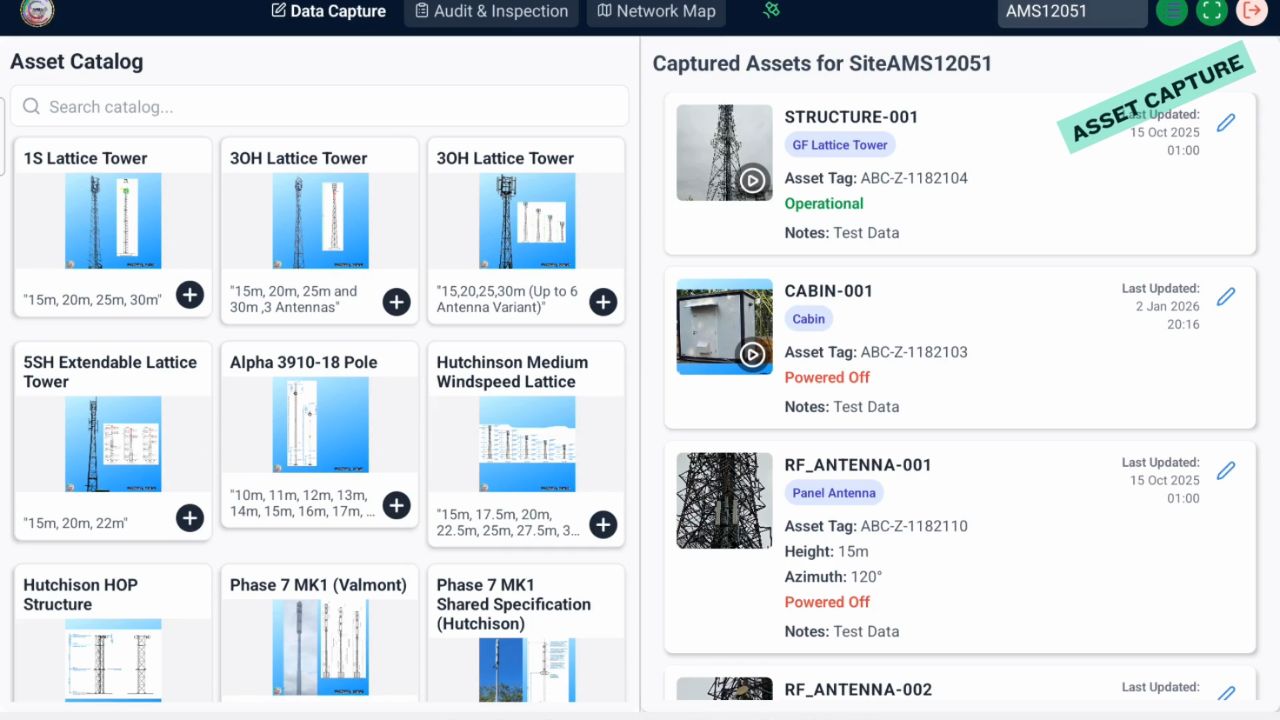
AMS mobile app asset catalogue and captured assets list
Asset catalogue and capture Select asset types, add equipment, and build a structured captured asset list for each site.
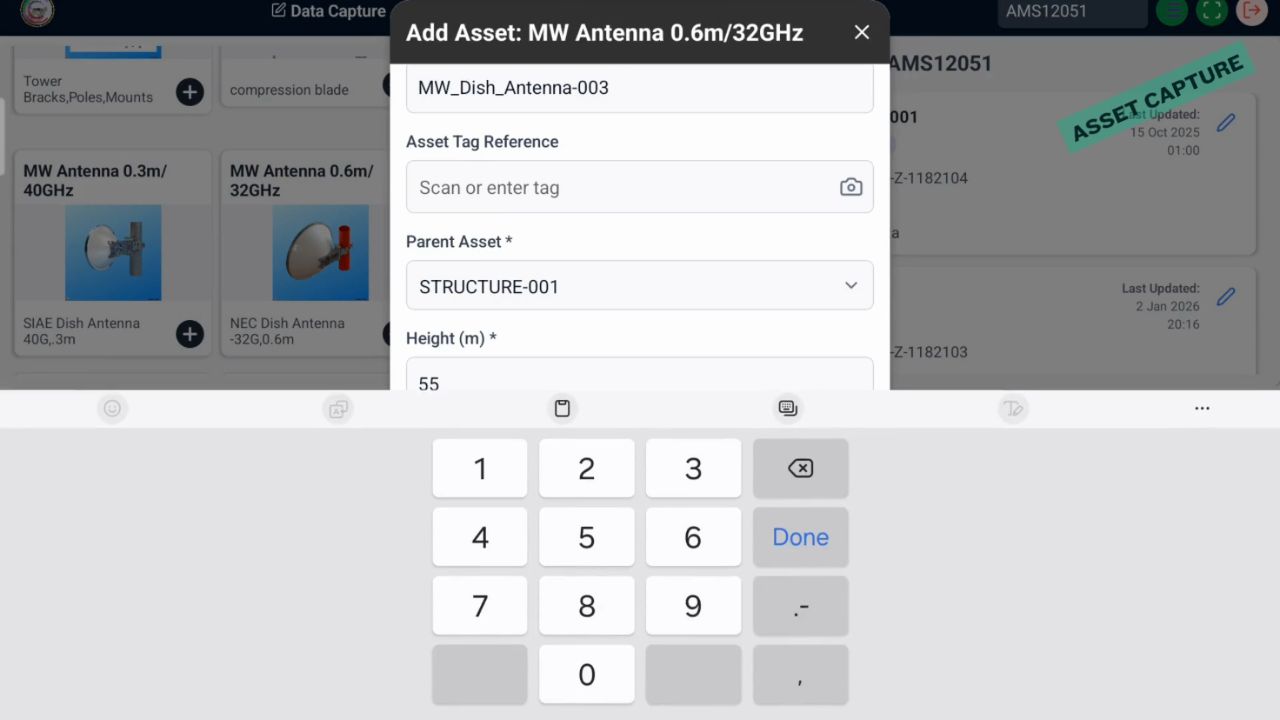
AMS mobile app numeric value entry keypad for asset information
Controlled field values Use guided inputs for consistent measurements, references, operational values, and inspection attributes.
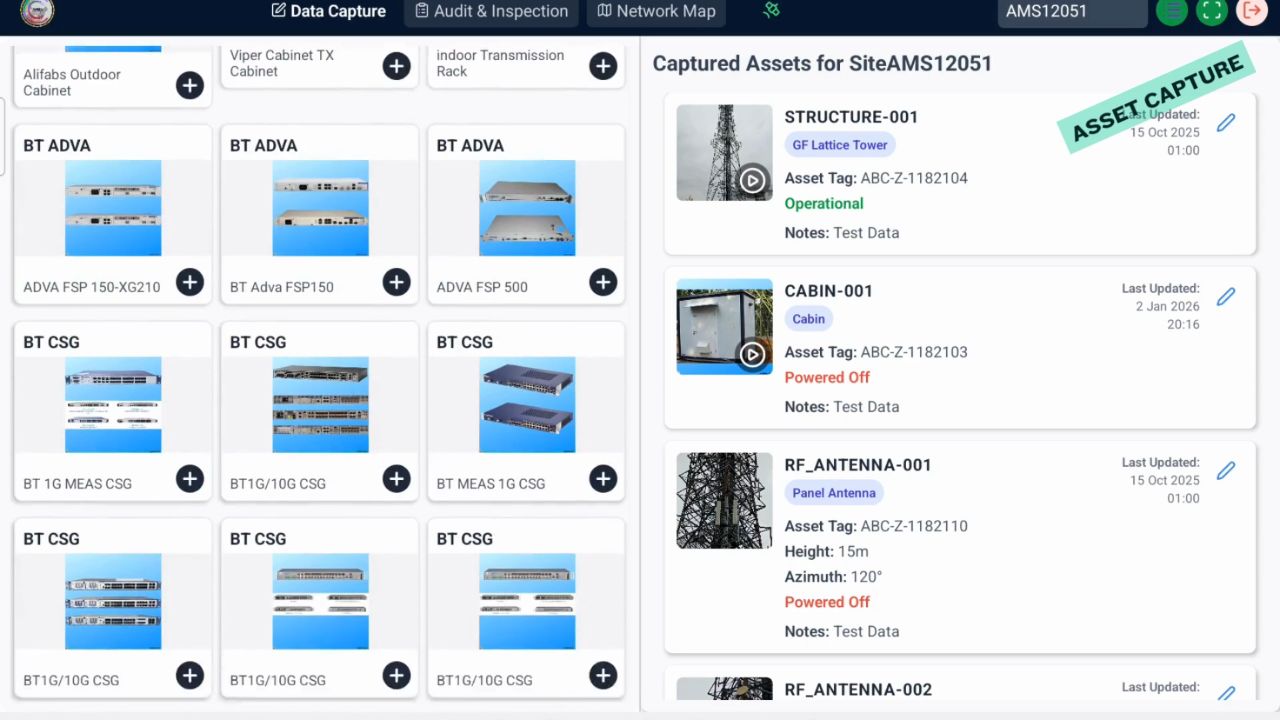
AMS mobile app equipment catalogue and captured asset records
Equipment selection Choose from configured equipment libraries and link captured assets to site records.
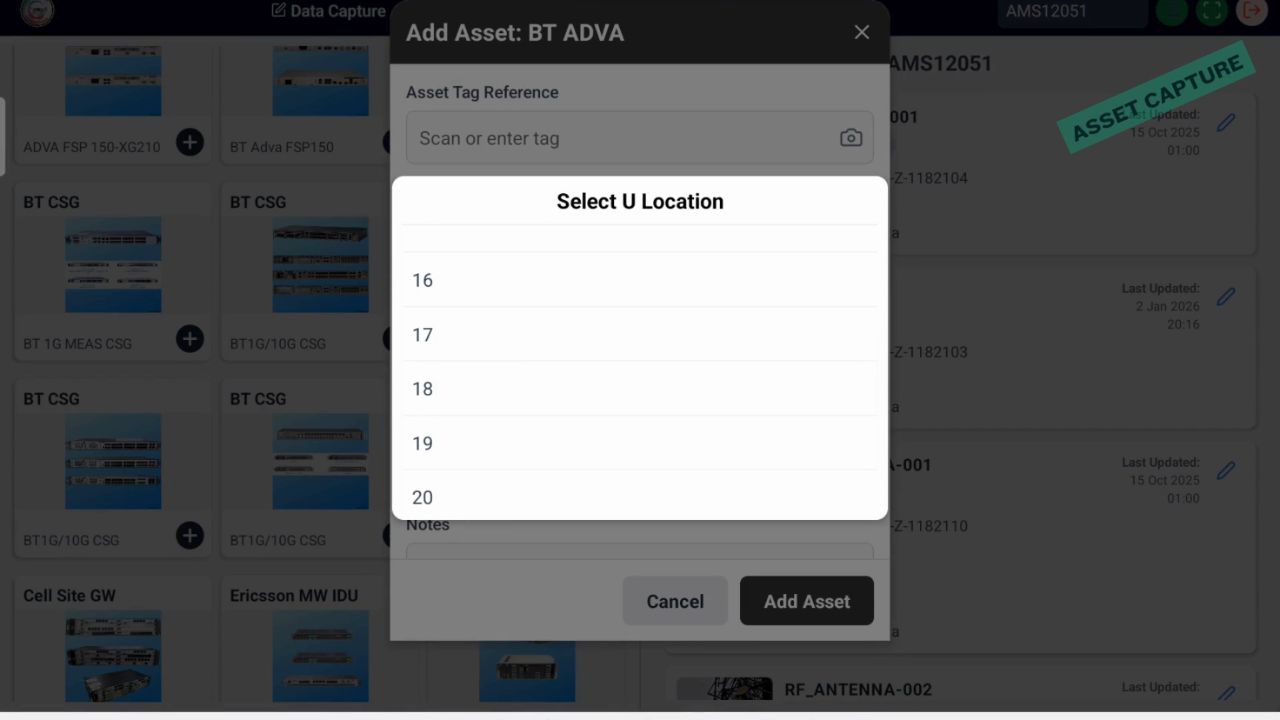
AMS mobile app site location selector dialog
Location and site selection Support controlled site selection, route context, and location-based capture workflows.
AMS mobile app captured asset list with operational and powered off status
Operational status capture Record whether assets are operational, powered off, redundant, or require follow-up action.
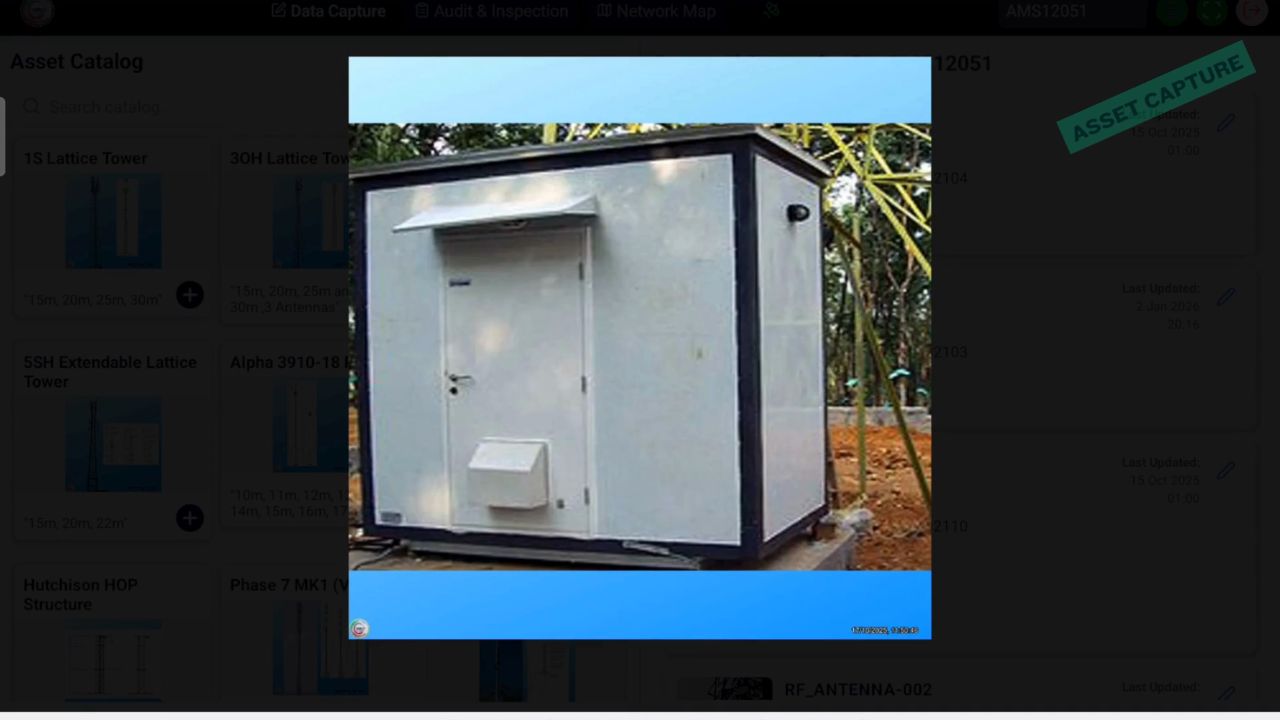
AMS mobile app captured cabinet evidence image
Photo evidence Attach visual evidence for cabinets, equipment, site condition, access, and inspection findings.
AMS mobile app asset catalogue and captured asset status view
Structured asset status Keep captured assets linked to type, subtype, status, update history, and inspection evidence.
AMS mobile app asset catalogue and captured assets list for site inspection
Repeatable inspection workflow Use the same controlled capture model across sites, assets, engineers, and utility network classes.

Build a trusted network register

Improve your asset data.

Use AMS Capture to standardize inspections, create defensible records, support ISO 55000 / ISO 55001 asset management processes, and unlock the intelligence needed for future planning. Choose cloud or on-premises deployment, then tailor forms, workflows, reports, integrations, and asset hierarchies around your utility network.

Start the conversation